See it work
Every result is verified before you see it.
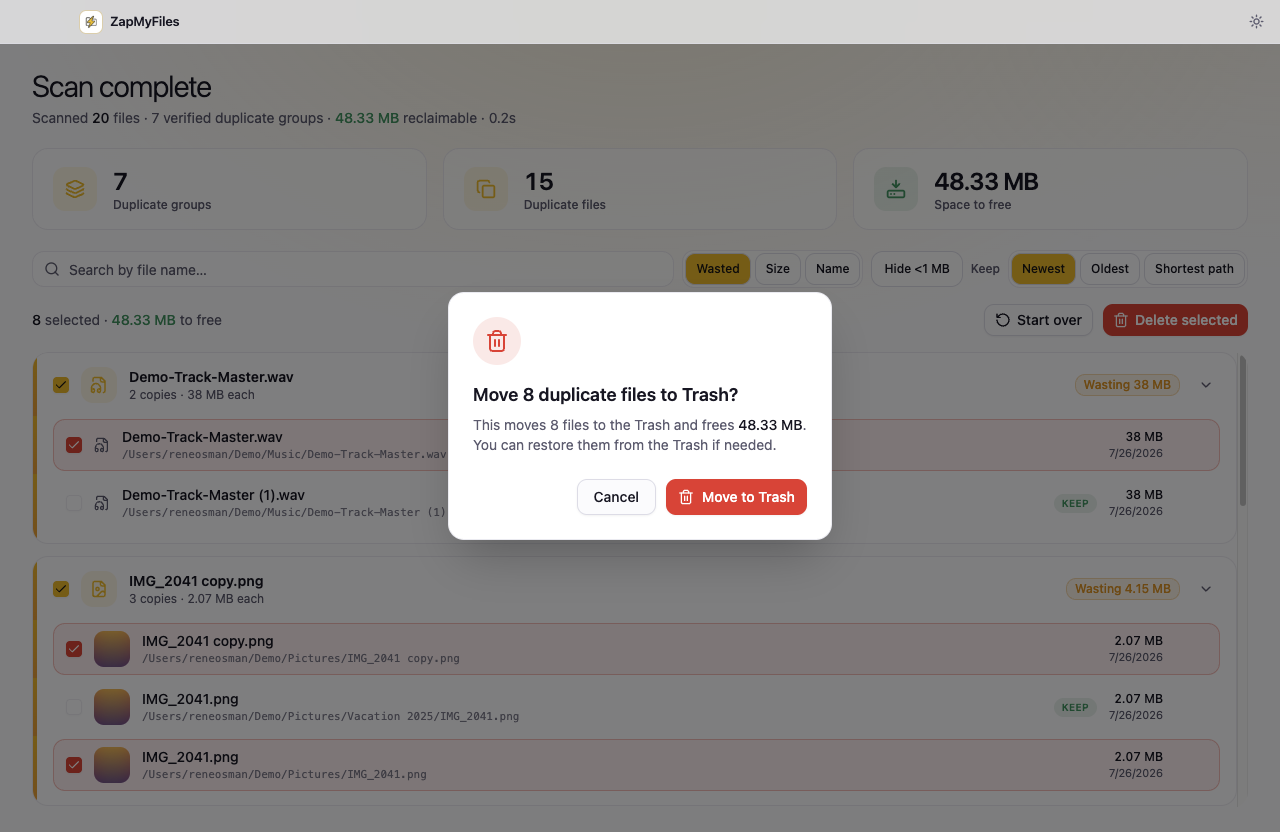
Scan the folders you choose, review byte-identical duplicate groups with the copy to keep already protected, and move the rest to the Trash.
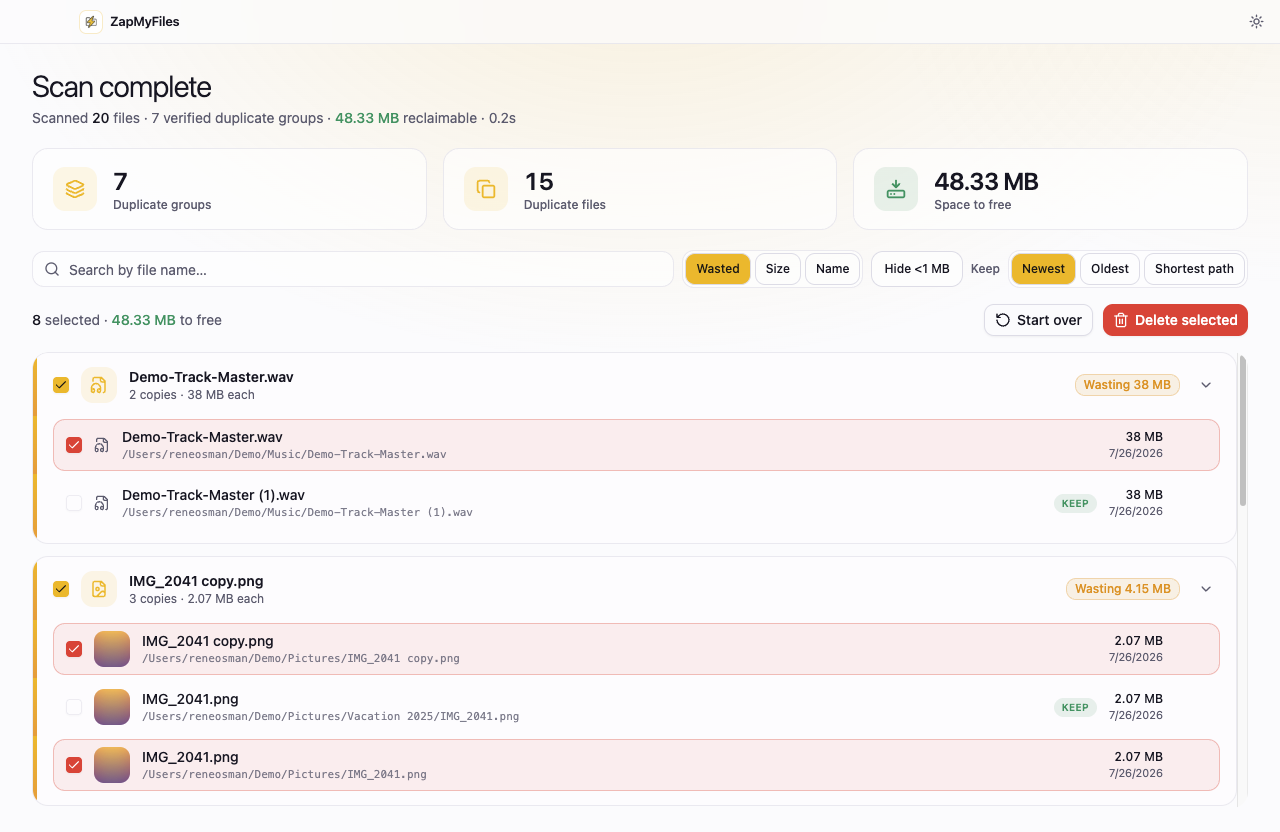
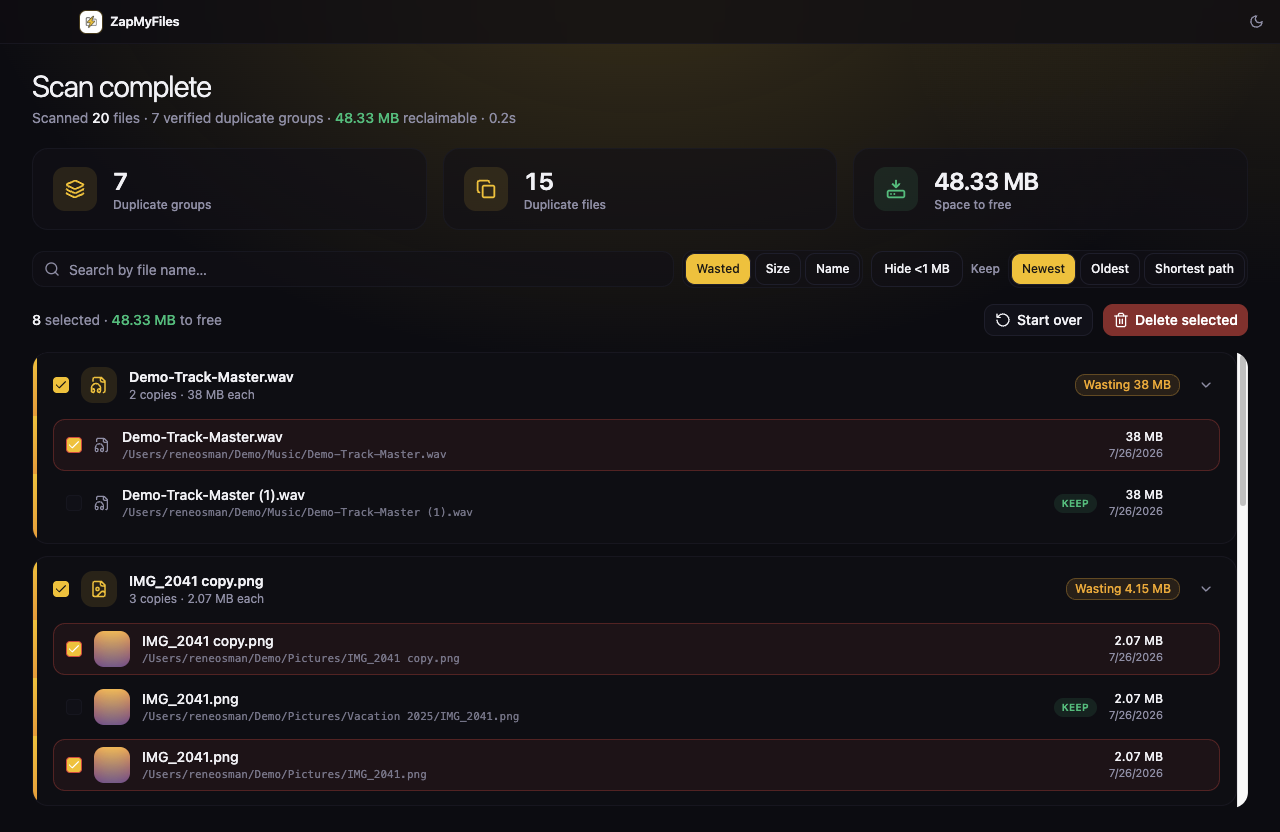
A focused desktop app for finding verified duplicate files in the folders you choose. Review every result before anything moves.
curl -fsSL https://zapmyfiles.com/install | bashDirect download for macOS Apple Silicon and Intel, Windows x64, and Linux Debian/Ubuntu. All downloads and install guides →
See it work
Scan the folders you choose, review byte-identical duplicate groups with the copy to keep already protected, and move the rest to the Trash.
Verification pipeline
Each result is designed to be explainable: where the files came from, why they match, and exactly what happens next.
Select only the folders worth checking. ZapMyFiles does not ask for blanket disk access.
User-selected inputsCandidate files are confirmed with a full-content hash before they are shown as duplicates.
Full-content verificationKeep the copy you want. Selected duplicates move to your system Trash instead of being permanently deleted.
No permanent deleteDesigned for repeat work
Unchanged files can reuse validated full hashes, which keeps repeat scans focused on what actually changed instead of re-reading every byte on disk.
Private by design
ZapMyFiles will always have a useful free version. Pro is a one-time purchase for power-user workflows — $19.99 for one computer, $24.99 for three — while file scanning, review, and safety stay local to your computer. See pricing.
We do not upload file contents, names, paths, metadata, folder structure, or scan results to activate or renew Pro.
Pro uses a device key generated on your computer, not a serial number, MAC address, or hardware fingerprint.
After activation, Pro works offline for up to 90 days at a time. It does not need a connection every time you open it.
Enter a license key in the app. The service returns a signed entitlement tied to the locally generated device key.
The app verifies that signed entitlement locally, so your regular work remains available without a network connection.
An occasional renewal confirms only the license and device proof. This lets you move or revoke a key without collecting file data.
Pro licensing is optional, private-first, and limited to license activation—not monitoring how you use your files. Every purchase is refundable for 30 days, and a lapsed license only returns you to Free; it never touches your files or your Trash.
Ready when you are
Local-first. Nothing leaves your machine. The app only reads the folders you point it at.