CCleaner is a general-purpose system cleaning suite whose duplicate finder is one feature among many. If duplicates are the actual problem you are solving, a focused tool makes different — and safer — choices.
CCleaner
ZapMyFiles
Price
Subscription — Professional from roughly $29.95/year per device
Free download; optional Pro planned as a one-time purchase, never a subscription
Scope
Registry cleaning, startup managers, driver updater, browser cleaning, duplicate finder, and more
One job: finding and safely removing verified duplicate files
How duplicates are confirmed
Matches by name, size, and date, with optional content comparison
Always verified byte-for-byte with a full-content hash
Deletion
Deletes files; recycle bin behavior depends on settings
System Trash only, always, with explicit confirmation and the kept copy locked
Data collection
Has shipped telemetry and bundled offers; see the 2018 v5.45 data-collection controversy
No telemetry, analytics, or crash reporting in the app — at all
Security history
A compromised CCleaner release was distributed to users in 2017 (widely documented)
Signed, notarized builds from a public, auditable release pipeline
Platforms
Windows and macOS
macOS, Windows, and Linux
Competitor pricing and feature claims last checked July 2026 — see the vendor's site for current details.
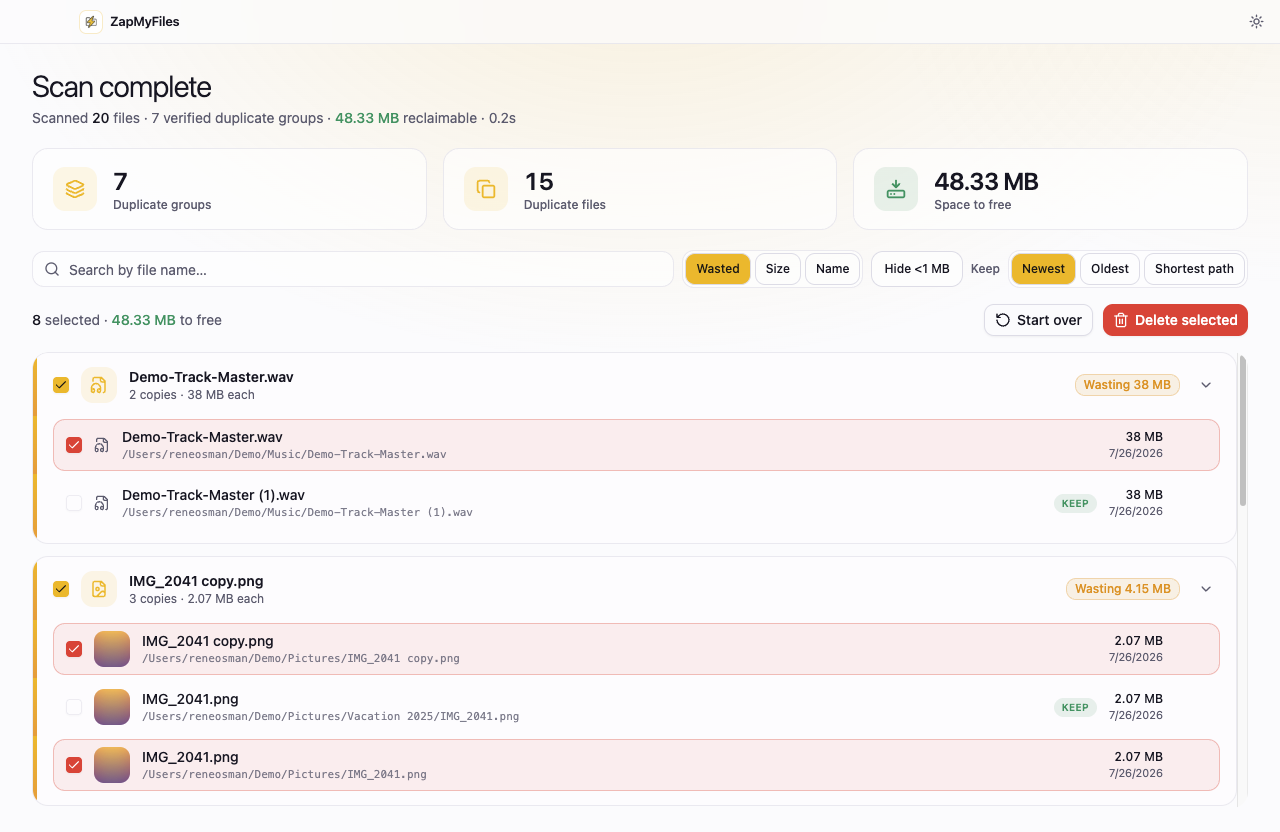
ZapMyFiles only shows duplicates it has verified byte-for-byte.
Why “cleaner suites” make people nervous
CCleaner's history is well documented: in 2017 attackers distributed a compromised release of the software to users, and in 2018 version 5.45 drew broad criticism for data collection that was difficult to disable. The product has changed hands and improved since, but the episode explains why many people hesitate to hand a cleaning suite deep access to their system.
There is also a category problem. Suites earn their keep by touching many things — registry entries, startup items, browser data. Every one of those is a place where an automated cleanup can cause damage that is hard to undo. That risk profile makes sense for some users, but it is a strange bundle to accept when the thing you actually want is to find duplicate photos in a folder.
The focused alternative
ZapMyFiles does one thing and is structured so it cannot do more: it reads only the folders you select through the system picker, verifies duplicates byte-for-byte, and moves what you choose to the system Trash. It has no registry access, no background services, no bundled offers, and no telemetry — the app's only network request is a static update check. If it is ever wrong about a file, you restore it from the Trash.
Choose CCleaner if…
You genuinely want an all-in-one system maintenance suite
Duplicate files are a minor side concern, not the actual problem
You are comfortable with subscription pricing for utilities
Choose ZapMyFiles if…
You want duplicates found and removed, and nothing else touched
You care that the app collects nothing and works entirely offline
You want reversible, Trash-only deletion with verified results
Try it on one folder.
ZapMyFiles is a free download for macOS, Windows, and Linux. Scan a single folder, review the verified results, and see whether it earns your trust.